Family budget: how to do it without going crazy
The family budget is a snapshot of what comes in and what goes out of your household every month. You don't need accounting skills or spreadsheets: you need three lists — income, fixed expenses, variable expenses — and ten minutes a week.
The structure: three lists
- Income: salaries, any extra income, allowances. In a typical family these are 1-3 stable items.
- Fixed expenses: mortgage or rent, utilities, insurance, installments, subscriptions, school. They're predictable: list them once and update them rarely.
- Variable expenses: groceries, gas, pharmacy, leisure, clothes. This is where the budget is won or lost — and where daily tracking is needed.
The difference income − fixed is the family's true monthly budget: what you can allocate to variable expenses and savings.
The right categories for the household
Few and clear: Home (utilities, maintenance), Food (groceries and meals out, or separate if you eat out often), Transport, Health, Kids/School, Leisure, Shopping. With more than 8-10 categories, classifying becomes a chore and you give it up.
The routine that keeps it alive
- Every day: whoever makes the purchase logs it on the spot (2 seconds, even from the widget).
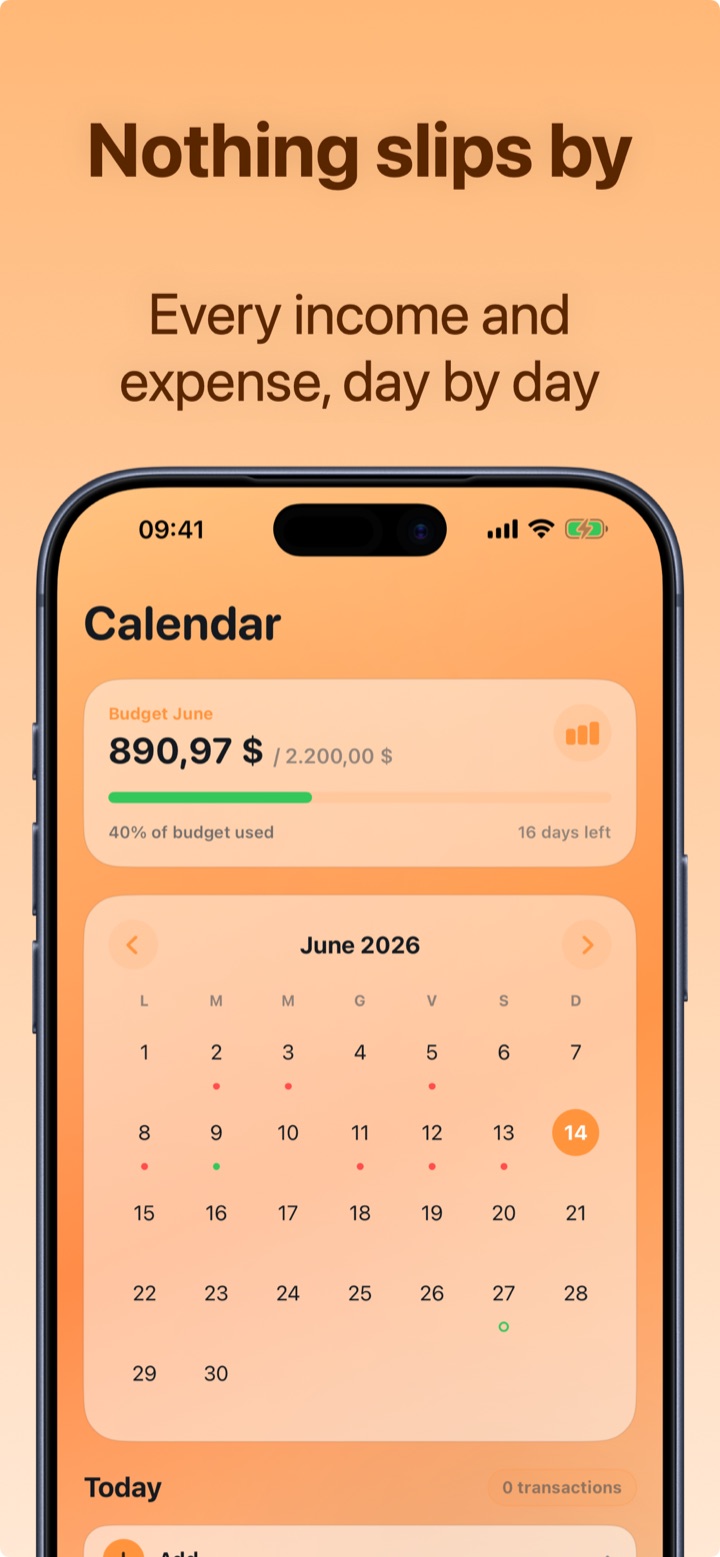
- Every week: 5 minutes together on the expense calendar: anything unusual? categories running hot?
- Every month: compare with the previous month and make one concrete decision: what do we cut, what's fine as it is, how much do we set aside.
The mistake to avoid
Counting only the big expenses. In a family's budget, what slips through are dozens of micro-expenses: snacks, parking, top-ups, online purchases under $20. Added up, they're often worth as much as a utility bill. The budget only works if it records everything — which is why logging has to cost two seconds, not two minutes.
How to keep the family budget with Crena
- Enter recurring income (salaries) and fixed expenses (mortgage, utilities, subscriptions) in Recurring: they log themselves every month, with the impact already calculated.
- Set the family's monthly budget = income − fixed expenses − desired savings.
- Log variable expenses on the spot, organized by category (Home, Food, Transport…): the category is suggested automatically.
- Use the Calendar for the weekly review: each day shows its net and its transactions.
- At the end of the month, Statistics: income/expense comparison, heaviest categories and start/end-of-month balance. With Premium you export the statement for the family archive.
Frequently asked questions
How often should the family budget be updated?
Do we need a separate account for household expenses?
How do I get my partner involved?

Try Crena for free
Expenses in two seconds, monthly budget and clear statistics. No sign-up and no bank account linking.
Download on theApp Store