How to save money every month: 7 practical moves
Saving doesn't mean living a life of sacrifice: it means no longer paying for things you don't even notice you're paying for. These 7 moves work because they attack the invisible outflows, not your morning coffee.
1. Find out where the money goes (one week is enough)
You can't cut what you can't see. Track every expense for at least a week: in most cases 2-3 items you didn't know weighed so much surface immediately. It's the step that makes all the others possible.
2. Audit your subscriptions
Streaming, apps, gym, cloud storage: most people have 3-5 active subscriptions, and almost always at least one is no longer used. A forgotten $12.99 a month is $156 a year. Here's the full guide to subscriptions.
3. Pay yourself first
On payday, immediately move a fixed amount (even $50) to a separate account. Saving "whatever is left over" doesn't work: at the end of the month nothing is ever left. Automate it and forget it.
4. The 24-hour rule
For every non-essential purchase above $30-50: wait a day. If you still want it tomorrow, buy it. Most of the time the impulse has passed — and an abandoned cart is pure savings.
5. Give a budget to the category that overshoots
There's no need to put everything on a diet: look at your statistics, find the category out of control (often it's eating out or online shopping) and set a limit only there. One goal at a time holds; ten at once don't.
6. Watch out for annual expenses in disguise
Insurance, taxes, domain and app renewals: they come once a year and blow up the month. Log them as annual recurring payments so you see them coming, and set aside 1/12 every month.
7. Review the numbers every Sunday (2 minutes)
Saving is a feedback loop: spend → measure → correct. Two minutes a week in front of your statistics are worth more than any New Year's resolution.
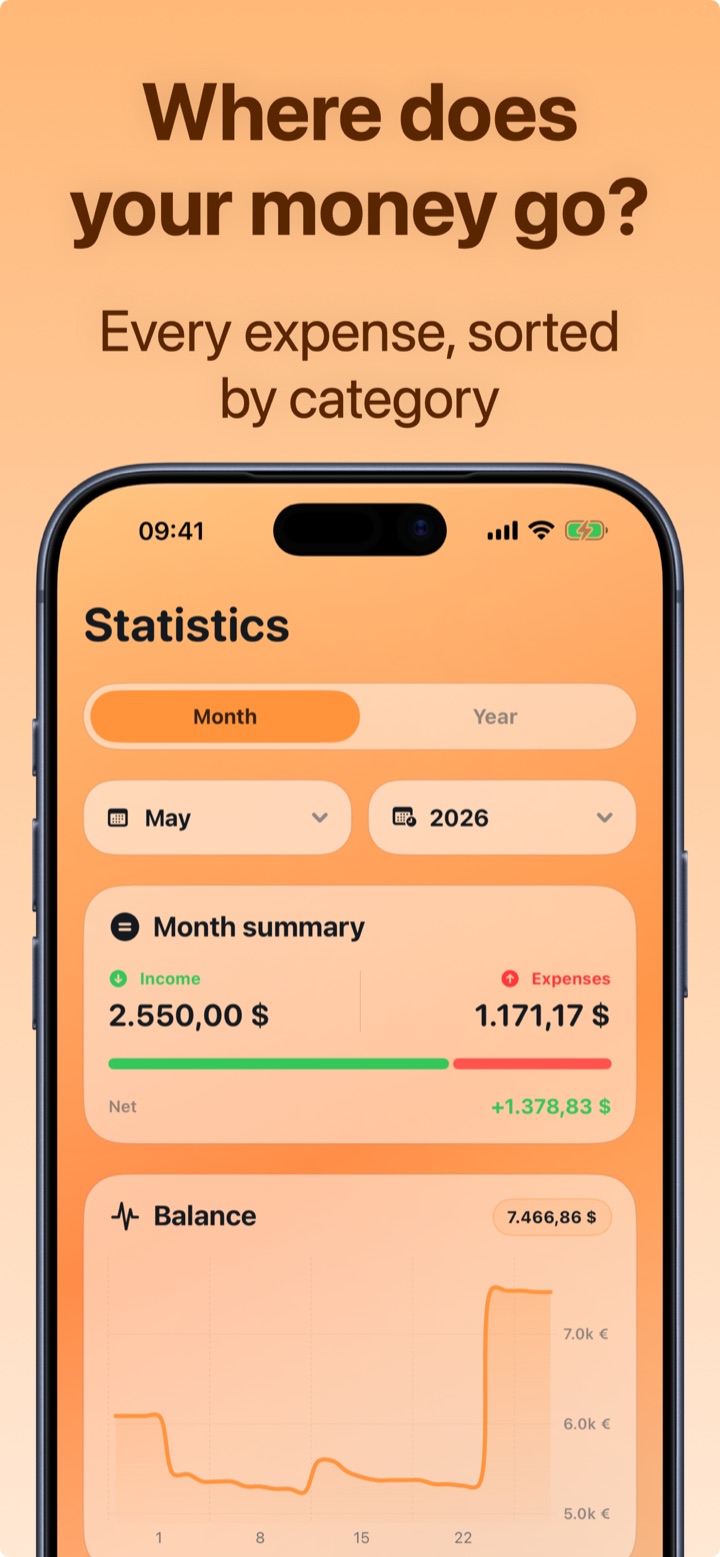
How to save every month with Crena
- Download Crena and track everything for a week: it takes two seconds per expense, even from the widget.
- Enter your subscriptions in Recurring: the total monthly impact appears immediately, already calculated.
- Set a monthly budget equal to your average spending minus 10%.
- Check the available daily average on the Home screen: it's the number that keeps shopping days in check.
- Every Sunday, 2 minutes in Statistics: find the category that overshot and correct the following week.
Frequently asked questions
How much should I be able to save per month?
What is the most common invisible expense?
Do I need an app or is willpower enough?

Try Crena for free
Expenses in two seconds, monthly budget and clear statistics. No sign-up and no bank account linking.
Download on theApp Store